n8n is one of the strongest workflow automation platforms for people who want more control than a typical no-code tool provides. Its visual canvas is approachable, but the real advantage is the ability to mix prebuilt integrations, API calls, JavaScript or Python, AI agents, and self-hosting in the same workflow.
Choose n8n if your automations are becoming too complex for rigid app-to-app recipes, or if deployment control matters. Skip it if you want the shortest possible learning curve and do not expect to work with APIs, data structures, credentials, or workflow debugging.
Explore n8n Cloud without setting up your own server. Starter and Pro trials currently do not require a credit card.
Start n8n’s Free TrialAffiliate disclosure: PrimeReview may earn a commission if you sign up through this link, at no extra cost to you. This does not affect our editorial assessment.
What is n8n?
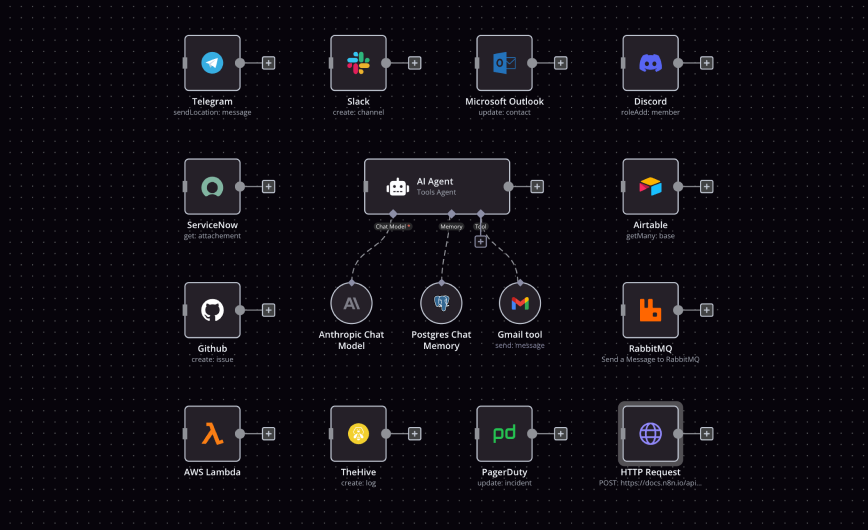
n8n is a workflow automation platform built around connected nodes. A trigger starts the workflow, later nodes retrieve or transform data, call services, run code, route decisions, or send an action to another system.
The editor makes simple flows visual, but n8n is not limited to basic no-code automation. Technical users can make custom HTTP and GraphQL requests, use webhooks, import cURL commands, add code steps, and—in self-hosted environments—extend the platform with custom nodes and command-line controls. This makes it a practical middle ground between a consumer automation service and a fully custom integration stack.
n8n offers hosted Cloud plans and a standard self-hosted Community Edition. The choice is significant: Cloud reduces setup and maintenance, while self-hosting offers more infrastructure control but makes your team responsible for deployment, updates, security, backups, and reliability.
Core n8n features that matter
Visual workflows without a low ceiling
The canvas is useful for understanding how data moves through a process. You can branch on conditions, merge results, loop through items, wait for events, and add error paths without hiding the system behind a single “magic” action.
That visibility helps once a workflow grows beyond two or three steps. It is easier to see where credentials are used, where data changes shape, and which action depends on an earlier result. The tradeoff is that larger workflows still need deliberate naming, organization, and documentation; a visual canvas does not automatically make complex logic simple.
Integrations, APIs, and code in one place
n8n says its AI automation environment supports more than 500 integrations. When a dedicated node does not cover a service or operation, the HTTP Request node and code steps give builders another route. This flexibility is one of the clearest reasons to choose n8n over a more constrained no-code product.
It also explains the learning curve. Useful production workflows often require a working understanding of JSON, authentication, API pagination, rate limits, and error responses. Nontechnical users can build straightforward flows, but advanced work is easier with someone comfortable reading technical documentation.
Execution history and practical debugging
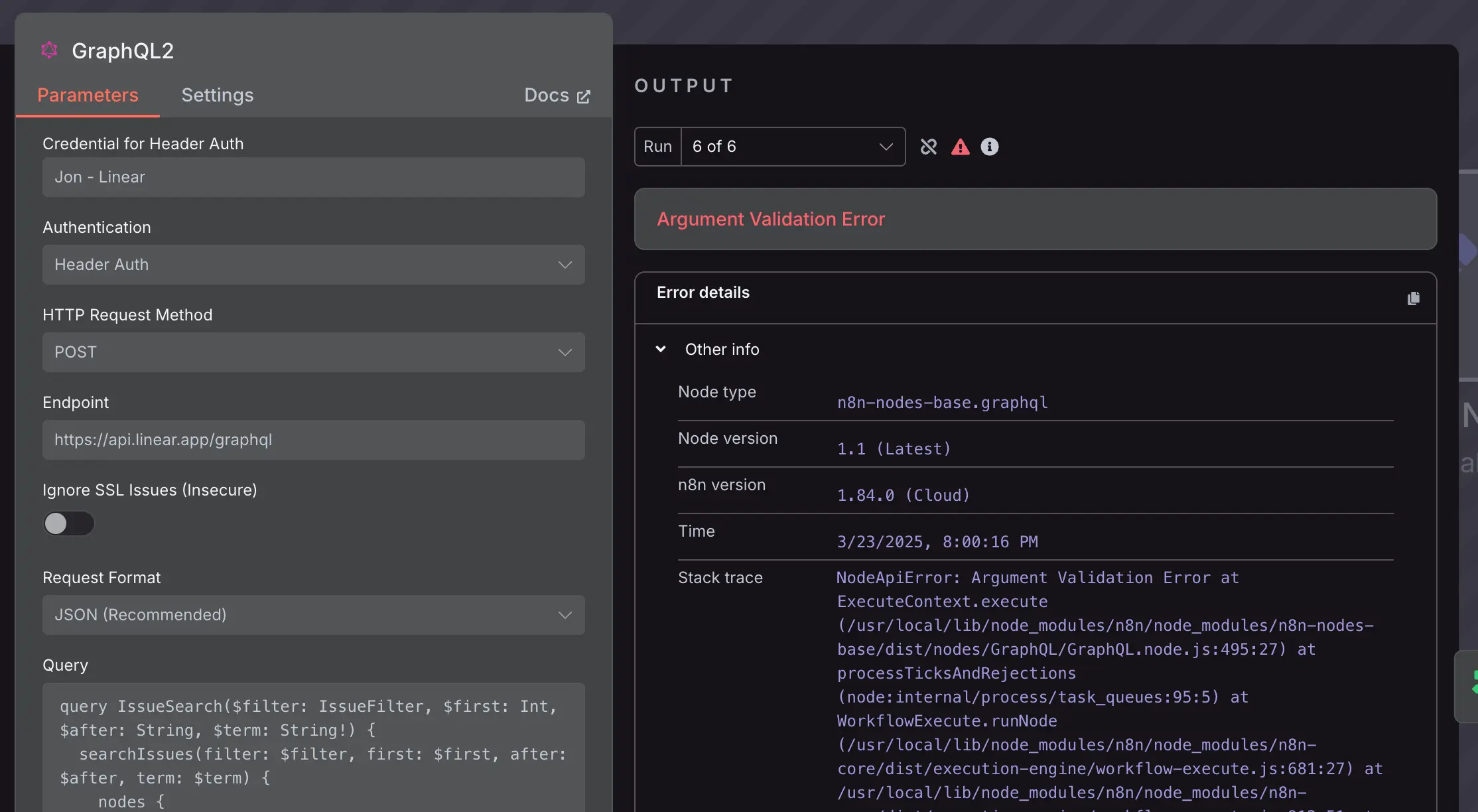
Automation fails in the details: expired credentials, malformed input, an API change, a timeout, or unexpected data. n8n’s execution-focused design lets builders inspect node inputs and outputs and trace where a run failed. Paid tiers add different levels of history, search, insights, and operational controls.
AI agents with human approval points
n8n can connect language models, memory, vector stores, business applications, and deterministic workflow logic. This is useful for AI-assisted support, document processing, research pipelines, lead handling, and other multi-step processes.
The important feature is not simply that an agent can call tools. n8n also documents human-in-the-loop approval for sensitive actions, allowing a person to approve or deny a proposed tool call through channels such as chat or email. That pattern is preferable when an agent can send messages, modify records, or take another consequential action.
AI workflows still require careful evaluation. Model costs, latency, prompt injection, bad tool selection, and inaccurate outputs do not disappear because they are placed on a visual canvas. Define permitted actions, validate inputs and outputs, log decisions, and keep human approval around high-impact steps.
Cloud convenience or self-hosted control
n8n Cloud is the simpler operational choice: n8n hosts the service, while you focus on workflows. Self-hosting may suit teams with infrastructure skills, deployment requirements, or a preference for running the standard Community Edition themselves.
Do not treat self-hosting as automatically free in practice. The software edition may be available without a Cloud subscription, but compute, storage, monitoring, backups, upgrades, incident response, and staff time remain real costs.
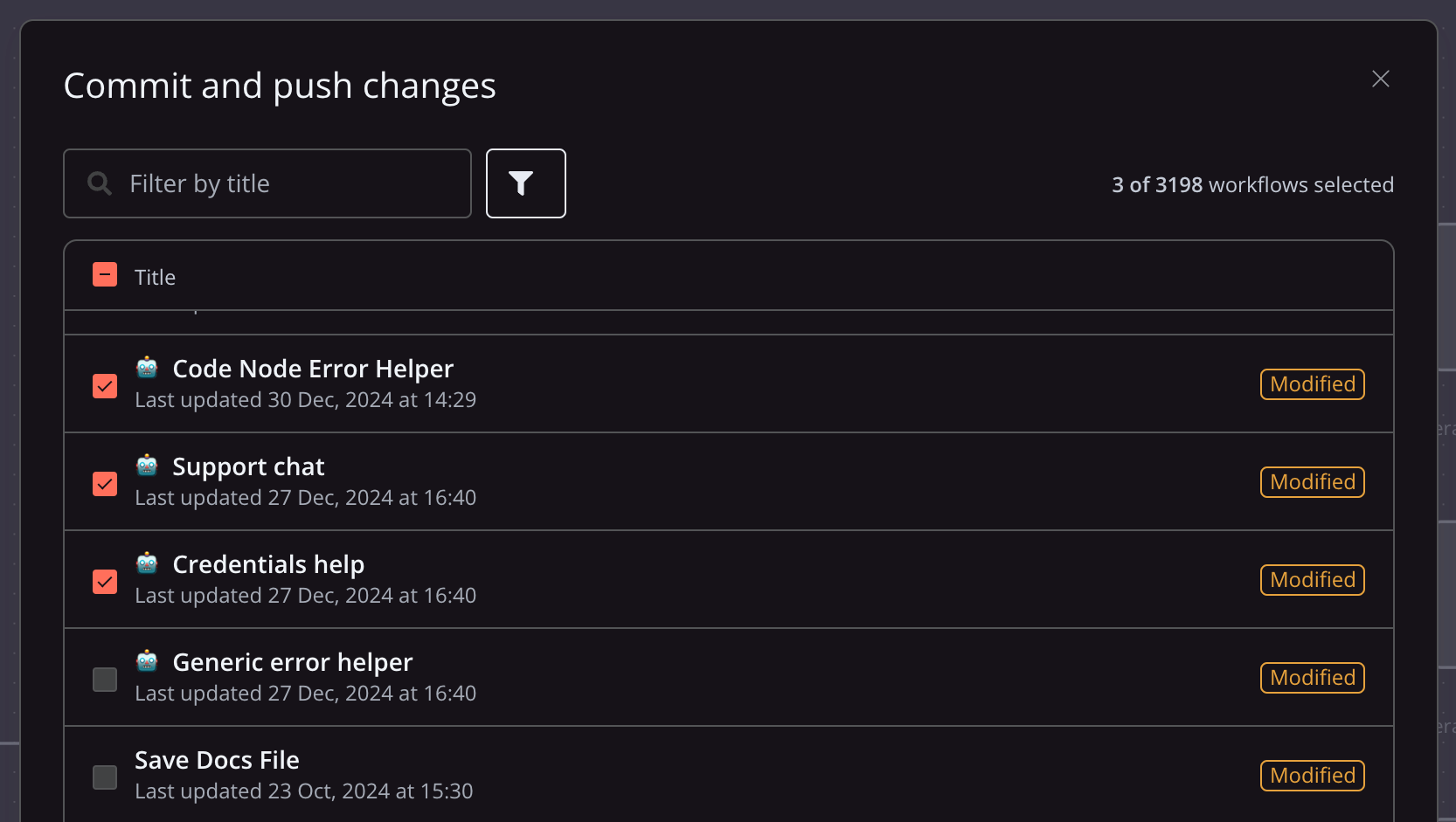
Advanced team controls also depend on the plan. The current self-hosted Business tier includes features such as SSO, separate environments, scaling options, and Git-based version control.
n8n pricing and free options
n8n prices paid plans around complete workflow executions rather than charging for every individual step. One execution is a run of the whole workflow, regardless of how many steps it contains. This can make a long workflow easier to estimate, although frequent triggers and high-volume jobs can still consume an execution allowance quickly.
The figures below were checked against the official n8n pricing page on July 27, 2026. They use annual billing and may change, so confirm the current total and included limits before subscribing.
| Option | Price checked | Included executions | Deployment | Best fit |
|---|---|---|---|---|
| Community Edition | No n8n Cloud subscription | Not a Cloud execution package | Self-hosted | Technical users who can operate their own instance |
| Starter | €20/month, billed annually | 2,500/month | Hosted by n8n | Learning and lighter production workflows |
| Pro | €50/month, billed annually | 10,000/month | Hosted by n8n | Solo builders and small production teams |
| Business | €667/month, billed annually | 40,000/month | Self-hosted | Growing teams needing SSO, environments, Git, and scaling |
| Enterprise | Contact sales | Custom | n8n Cloud or self-hosted | Organizations needing governance, support, and custom scale |
Starter and Pro trials currently include Pro features with Starter-level resource and execution limits, and n8n says no credit card is required. The Business trial provides full Business features for 14 days and requires a credit card. Check the signup screen carefully because trial terms and limits can change.
n8n pros and cons
| Pros | Cons |
|---|---|
| Visual builder can be combined with code, custom API calls, and detailed data transformations. | More technical than beginner-focused automation products. |
| Cloud and self-hosted paths support different operational needs. | Self-hosting transfers maintenance, security, backups, and uptime responsibility to you. |
| Execution-based billing does not charge separately for every workflow step. | High-frequency triggers can still make execution usage grow quickly. |
| Useful building blocks for AI agents, human approval, and deterministic logic. | Reliable AI automation still demands evaluation, guardrails, monitoring, and model-cost control. |
| Node-level inputs, outputs, and errors make troubleshooting more transparent. | Advanced collaboration and governance features can require a much more expensive tier. |
Who should use n8n?
n8n is a strong fit for:
- Developers and operations teams connecting internal tools, databases, APIs, and SaaS products.
- Automation builders who need custom logic after outgrowing simple trigger-and-action recipes.
- AI teams that want model calls, business rules, tool use, human approvals, and monitoring in one workflow.
- Technically capable organizations that need a self-hosted option or more deployment control.
- Small teams that prefer execution-based pricing to per-step charges and can estimate workflow volume.
Consider a simpler alternative if:
- Your priority is the easiest possible setup for a few standard app connections.
- No one on the team is comfortable troubleshooting APIs, authentication, or structured data.
- You want self-hosting mainly to avoid a subscription but do not have capacity to operate the service.
- Your workflow needs certified, vendor-managed controls that are available only on a higher n8n tier and the cost does not fit your budget.
Final verdict
n8n’s main strength is controlled flexibility. It lets teams start visually, drop into code or APIs when needed, and choose between a managed Cloud service and self-hosting. That combination is especially valuable for technical automation and AI workflows that no longer fit a rigid template.
The same flexibility creates its biggest limitation: n8n rewards technical judgment. Building a demo can be quick; making it secure, observable, maintainable, and resilient still takes engineering discipline. For a technically comfortable team, that is a reasonable trade. For someone seeking effortless no-code automation, it may be unnecessary complexity.
Build one representative workflow and measure execution volume, debugging effort, and the controls your team actually needs.
Explore n8nFrequently asked questions
Is n8n free?
n8n offers a standard self-hosted Community Edition. You provide and operate the infrastructure, so hosting and maintenance still have a cost. n8n also offers trials for paid plans; current card requirements differ between Cloud and Business trials.
Is n8n beginner-friendly?
A beginner can understand the node-based editor and build simple workflows. Advanced workflows become easier if you understand APIs, credentials, JSON, data mapping, and error handling. It is better described as low-code and technical-user-friendly than completely effortless no-code.
How does n8n pricing work?
Paid plans are primarily based on monthly workflow executions. A full run counts as one execution even if the workflow contains many steps. Plans also differ in deployment, concurrency, history, collaboration, governance, and support.
Can n8n build AI agents?
Yes. n8n provides components for connecting models, memory, tools, business applications, and deterministic workflow logic. It also supports human approval patterns for sensitive actions. The builder remains responsible for evaluating outputs and applying security and operational controls.